

A printed logo can look right on a roll of vinyl and still come off the die with a narrow border on one side. The die needs a reference for where each printed repeat has arrived. On a line that uses a registration mark, a small printed patch or bar gives the control system that reference. The sensor has to see the mark at the correct point and the machine has to act on its signal at the correct time.
Put the mark where artwork cannot mimic it
Mark placement belongs in the artwork specification. A patch at the edge of the roll works only if the sensor can stay over that lane as the web moves. Keep logos, borders and other high contrast details away from the sensing lane. For a short run that uses the full web width, work with the printer to reserve room for a mark that will be removed with the waste strip.
The color and registration mark sensor comparison helps separate finding a timing mark from checking the shade of the finished decal. A contrast sensor can provide a switching event for the cutter. A customer who needs a specific brand color still needs an approved reference and an inspection method for that color.
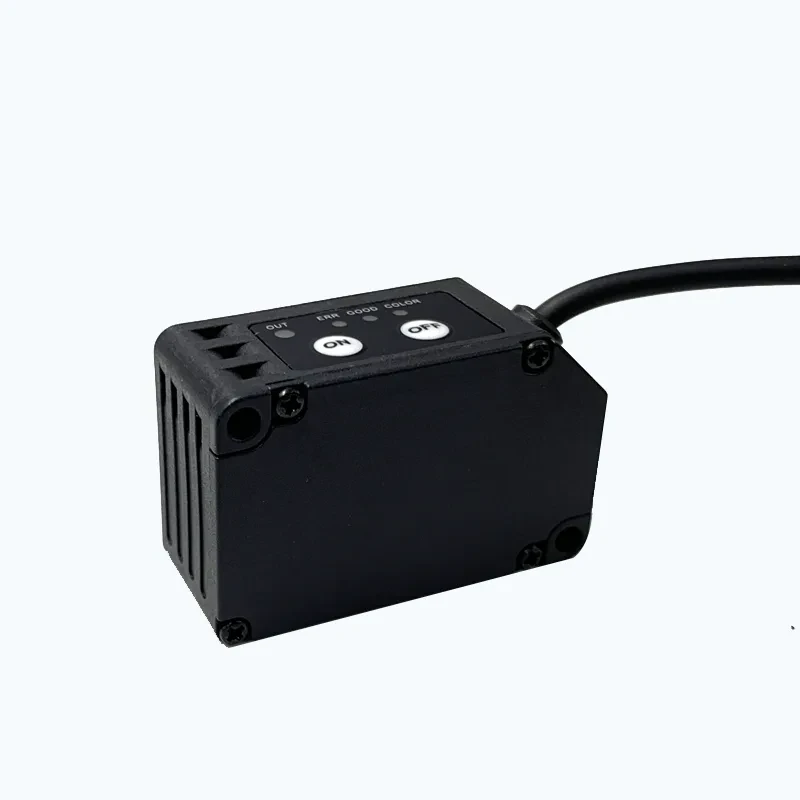
FS-S72 sensor housing and control buttons
Try the production finish and speed
A sample on paper can give a stronger contrast than the same print under a glossy laminate. Bring the finished stock, the smallest mark and a representative section of nearby print to the trial. Check the mark as it passes at the actual operating speed. A sensor that detects the patch when the web is jogged may still miss a narrow mark during production, or the controller may filter out a short pulse.
For a close mounting point, the FS-S72 registration mark sensor is one candidate. Its published working distance is 18 to 28 mm. The FS-S72 and FS-S72P are separate NPN and PNP options, so verify the input circuit before choosing the order code. Check mark mode and capture the switching event at the controller. That is where a missed trigger becomes a cutting problem.
Check what changed before moving the die
If the cut is always offset by the same amount, check the distance or timing between mark detection and the cut. If the error changes with speed or the roll sometimes skips a repeat, inspect the sensor events and web tracking first. For a repeat order, ask the printer to keep the mark position and approved stock with the artwork. A fresh color proof alone will not show whether the cutter is reading the same reference.
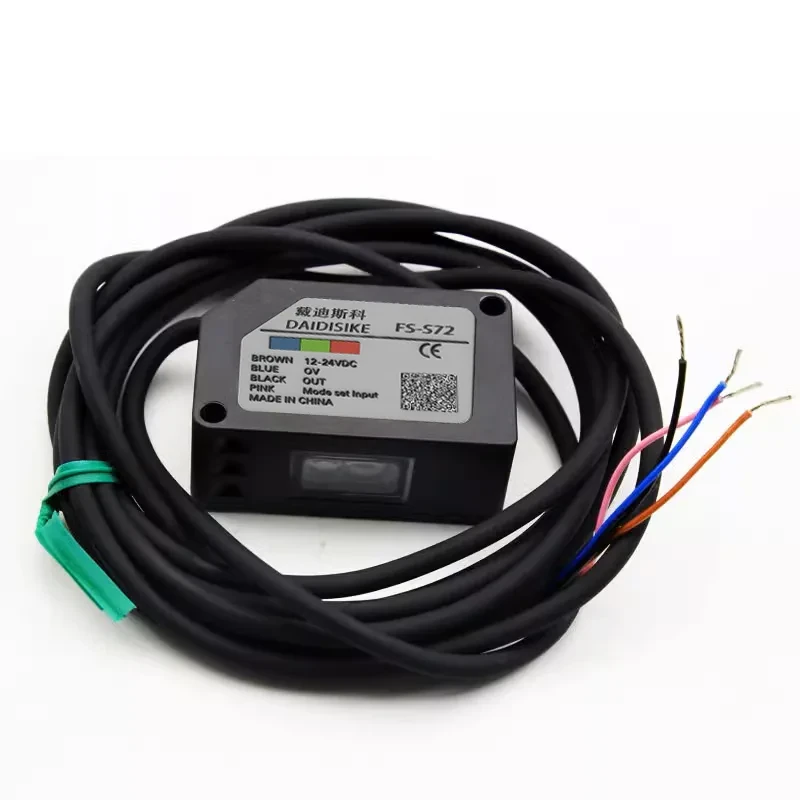
FS-S72 series sensor and cable
